

Weather Thermometer,Weather Stations Wireless Indoor Outdoor Temperature Humidity VA Color Display Weather Forecast Barometric Pressure Alarm Clocks
Product details
| Management number | 214774989 | Release Date | 2026/04/12 | List Price | $146.74 | Model Number | 214774989 | ||
|---|---|---|---|---|---|---|---|---|---|
| Category | |||||||||
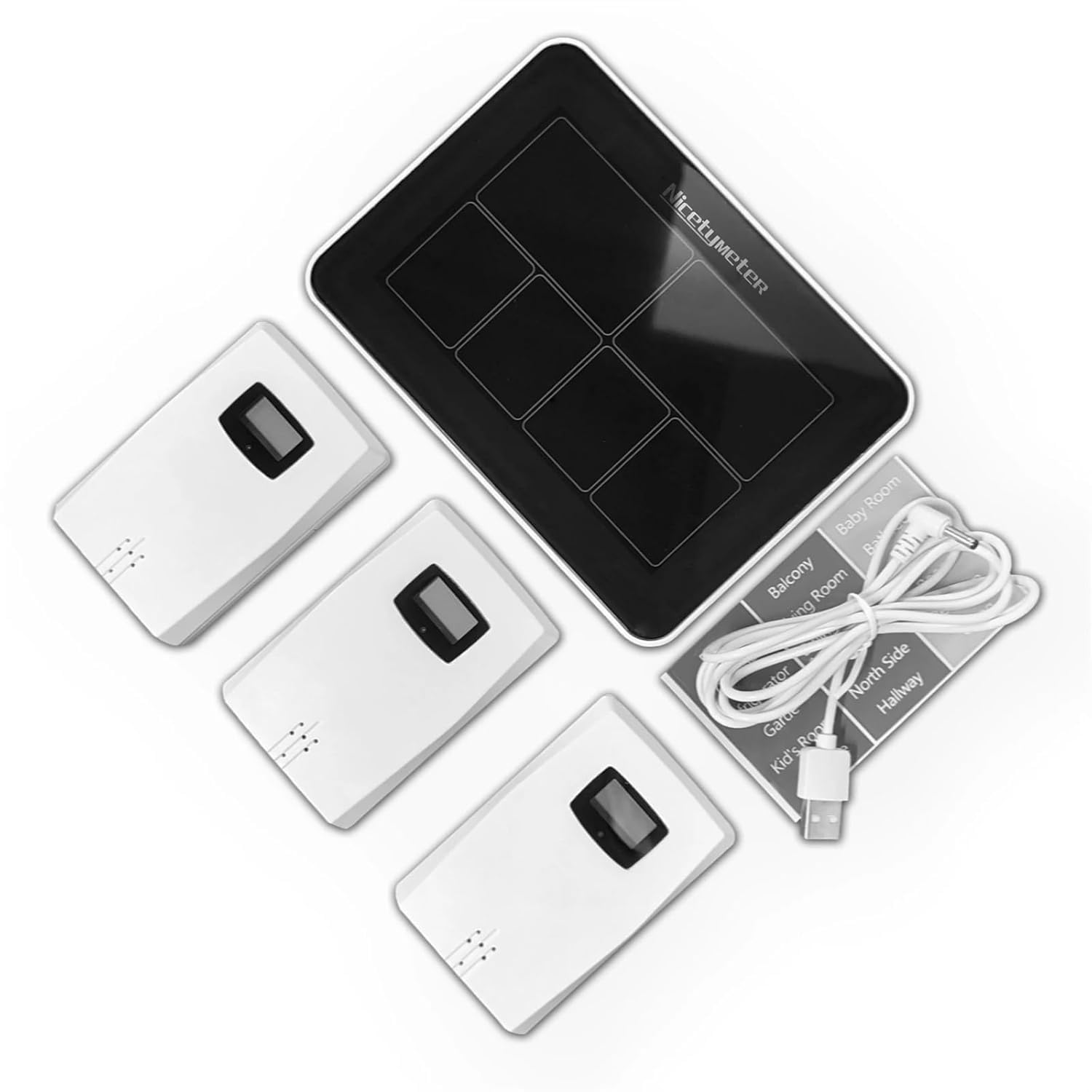
Weather Station Technical IndicatorsIndoor Temperature Range: 14.2°F (-9.9°C) ~ 122°F (50°C)Outdoor Temperature Range: -4°F (-20°C) ~ 140°F (60°C)Temperature Accuracy: 1.8°C/°FOutdoor Indoor Humidity 20%RH ~ 95%RHHumidity Accuracy: 5%Barometric Pressure Range: 17.72 inHg-32.50 inHg 600 hPamb-1100 hPa/mbSensor Transmission Range: 164 feet/50mTemperature Display: °F or °CBarometric Pressure Display: inHg or hPa/mbIndoor Station Power: 2x AAA battery(not included). USB cable (included)Remote Sensor Power: 2x AAA battery(not included)Dimensions: 6.5 x 4.5 x 0.98 inchesSome Problems That Customers Often Meet1,Install batteries for the 3 Hygro-thermometer sensors. Use AAA batteries, 2pcs for each sensor. Once the batteries are correctly installed, the LCD will display the temperature and humidity readings, and the red LED light will flash.2,Install 2pcs of AA batteries for the display console, and it with USB power cable (use a regular USB charger and the other side to the display console). When the display console is powered on , it beeps 3 times, and then wait for all the data to display.3, SETTINGa.Long press SET button, it displays 24H/12H, press UP or DOWN to choose a time display mode, press SET to confirm.b.Set the HOUR and MINUTE, press UP or DOWN to adjust the numbers, and press SET to confirm.c.Set the YEAR, press UP or DOWN to adjust the numbers, and press SET to confirm.d.Set the MONTH and DATE, firstly, choose M-D(month-day) or D-M (day-month) display mode, press set to confirm, then to press UP or DOWN to adjust the numbers of month and day, press SET to confirm.e.Set language, press UP or DOWN to choose language among: ENG/GER/FRE/SPA/ITA/DUT/DAN ((English>German>French>Spanish>Italian>Dutch>Danish)), press SET to confirm.f.Set the weather of the day, press UP or DOWN to choose amon
| Color | One Color |
|---|---|
| Model | XQQCBSSEJ |
| Brand Name | Generic |
| Style Name | Classic |
| Part Number | XQQCBSSEJ |
| Manufacturer | Generic |
| Power Source | Battery Powered |
| Additional Features | Adjustable Brightness |
| Included Components | Battery |


Correction of product information
If you notice any omissions or errors in the product information on this page, please use the correction request form below.
Correction Request Form